
Creating a professional business website sounds like you need to be a tech genius. That’s not true. In this tutorial, I’ll show you how to create a free business website without coding, using simple tools anyone can use.
How to Create Your Own Free Business Website Without Coding Skills
Step 1: Pick a No-Code Business Website Builder
Best option
Wealthy Affiliate’s SiteRubix.
Why? Free domain + hosting, easy drag-and-drop design.
Visit: https://www.wealthyaffiliate.com → Free Account → Build Site.
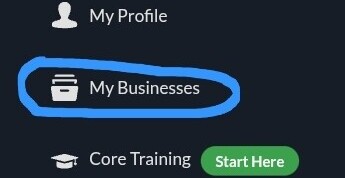
1.1. Login and click ‘My Businesses‘ button on the left sidebar of WA community dashboard.
1.2. Click the plus ‘+’ button next to ‘My Hubs‘ button.

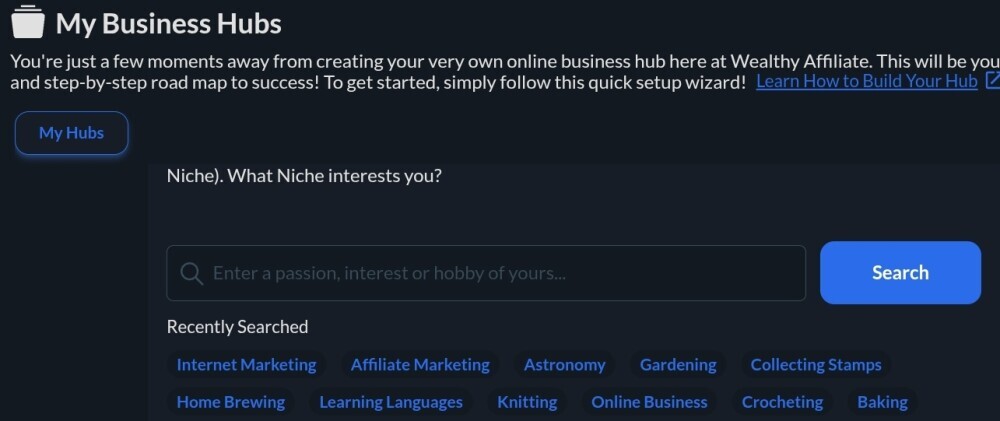
1.3. Enter you Niche (a passion, interest or hobby of yours) in the search button. Or you can choose from the list of recently searched niches.
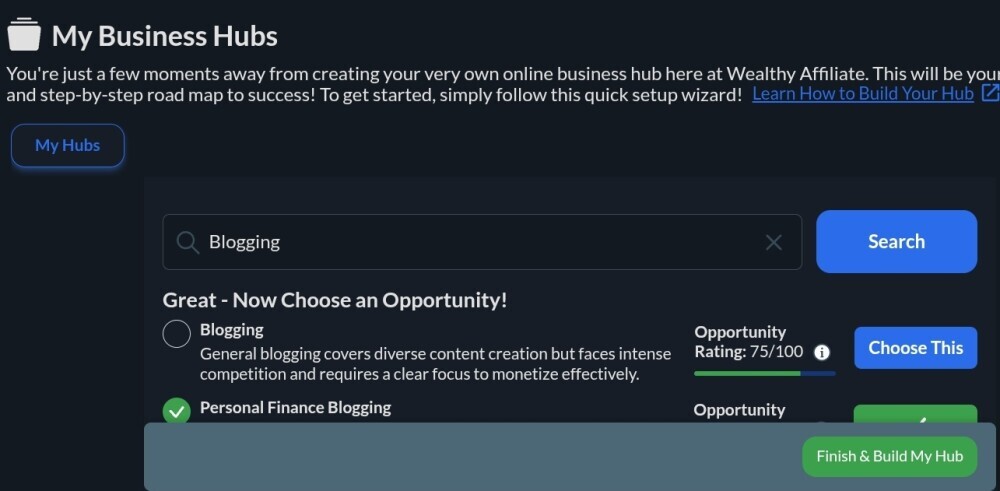
1.4. Once you searched your niche, a list of opportunity within your niche is shown. Scrolldown and choose any niche opportunity that you like with the rating above 90/100. For example: My interest is ‘personal finance’. From the opportunity given I choose ‘Personal Finance Blogging‘ with the rating of 95/100.
Next, click ‘Finish and Build My Hub‘ to launch your first business hub.
Step 2: Choose a Free Domain Name For Your Business Website
Example: yourbusiness.siterubix.com.
Choose a clear, easy-to-remember name related to your business.
Congratulation! Your first business is set up.
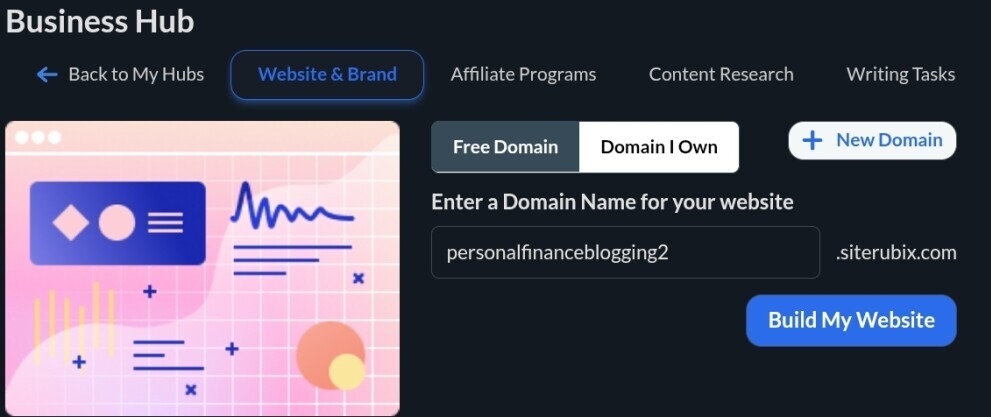
Next, edit the domain. Here I would like to keep it as ‘personalfinanceblogging’ and I delete 2.
My final website would be www.personalfinanceblogging.siterubix.com.
Remember, this website is absolutely free. It includes free hosting and free SSL building on the powerful Wealthy Affiliate and WordPress hosting environment. You can feel safe to start and grow your online business.
Click ‘Build My Website‘ after editing your domain name.
Summary
Goal: Create a free professional business website without coding skills.
Pick a No-Code Website Builder.:
Wealthy Affiliate’s SiteRubix offers free sub-domain and hosting with easy drag-and-drop design.
Create a Free Account → Build Site
Steps to follow:
- Login → Click ‘My Businesses’ in WA dashboard.
- Click ‘+’ next to ‘My Hubs’.
- Enter your niche (passion, hobby, or interest) in the search.
- Choose a niche opportunity with a high rating (e.g., 95/100).
- Click ‘Finish & Build My Hub’ to create your business hub.
Choose a Free Domain Name
- Example domain: yourbusiness.siterubix.com.
- Pick a simple, easy-to-remember name related to your business.
- Example final domain: www.personalfinanceblogging.siterubix.com.
Benefits:
- Free domain.
- Free hosting.
- Free SSL certificate.
- Built on Wealthy Affiliate + WordPress.
After editing domain name → Click ‘Build My Website’.
Congratulations! Your free business website is now live and ready to start and grow your online business.
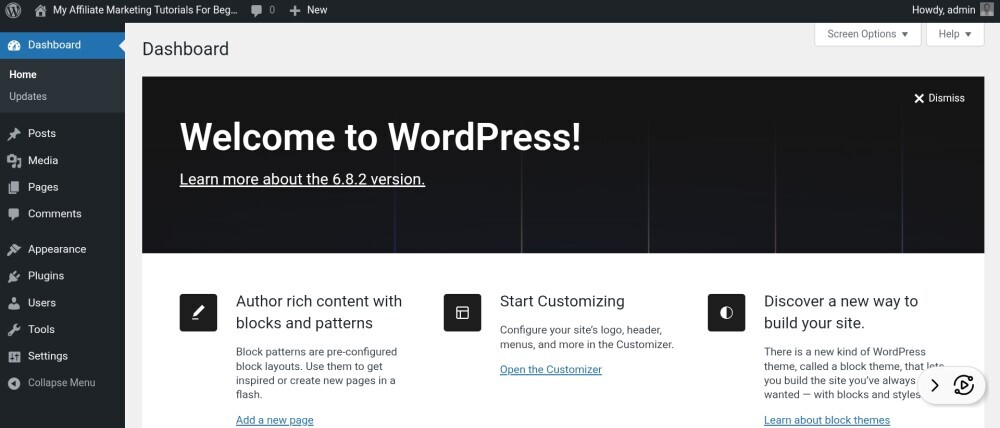
In the next tutorial we will be delving into the new website focusing on customizing website templae:
- How to choose from beginner-friendly templates.
- How to add your logo, business name, and a simple color scheme.
- How to replace placeholder text with your own (your story, service).