
How to set up a Hub on Wealthy Affiliate. If you have never built anything online, opening a new platform can feel like being handed the controls of a machine with no manual. I know that feeling. When I joined Wealthy Affiliate in October 2018, I had no technical skills, no website experience, and three online scams behind me. I did not need a clever system. I needed someone to say what to click and what to type.
Wealthy Affiliate introduced a substantially updated platform in October 2026, built around ACE, business Hubs, the Writer and the Artist. This guide covers how to set up a Hub on Wealthy Affiliate from the first click to your first finished piece of content, and what to expect along the way. It is written for someone who is still deciding whether to commit. Screens and wording on a platform this new can change, so use this as a map and trust what your own screen says.
Before you click anything: what a Hub is and what you need to bring
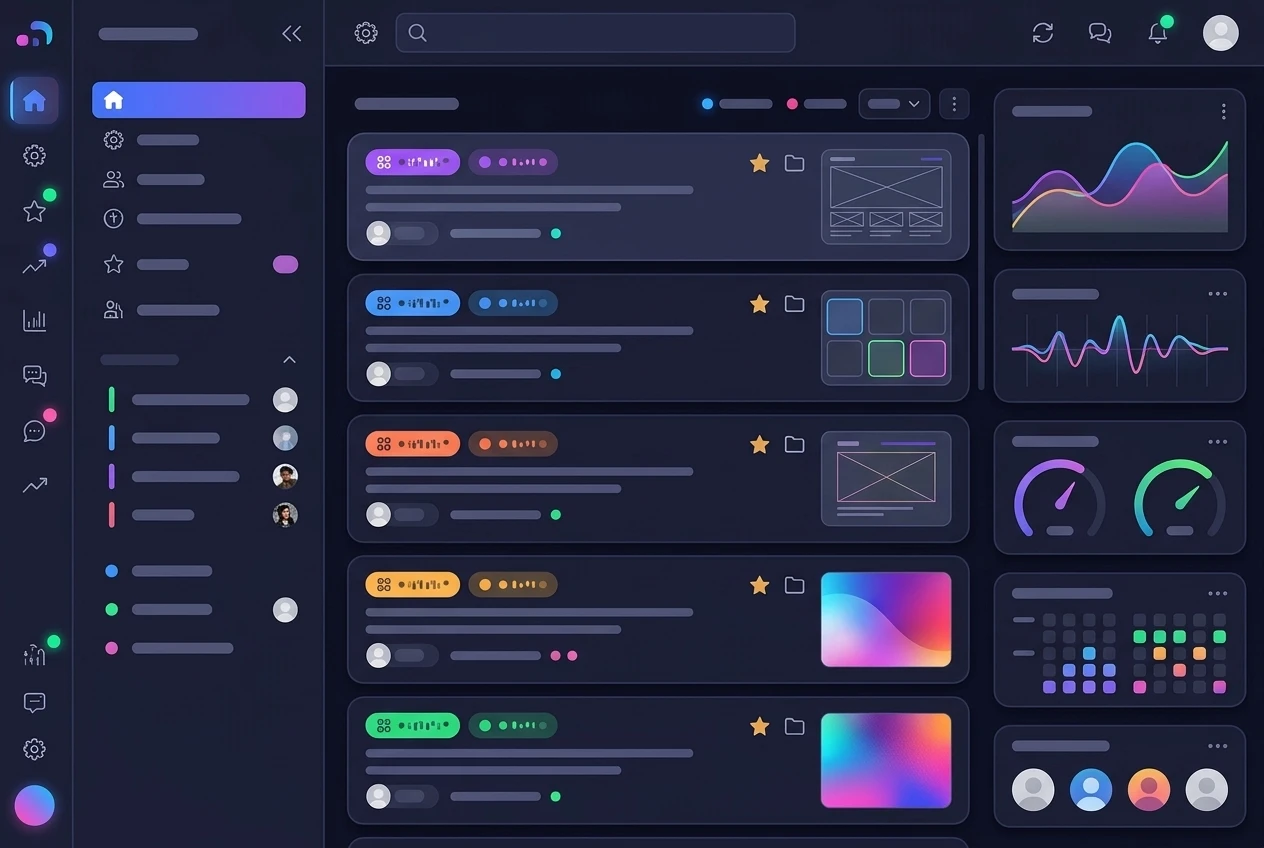
A Hub is the workspace for one online project. ACE, your gameplan, and the content you create for that project all live inside it. If you later start a second project, it gets its own Hub, so nothing gets mixed together.
You do not need to bring code, design skills or a finished plan. You do need four things:
- A rough topic. One sentence is enough. “Helping beginners learn to grow vegetables in small spaces” works. “Making money online” is too wide to build anything on.
- A picture of the reader. Who are you helping, and what are they stuck on?
- About an hour of quiet time for your first sitting, so you can read each screen instead of clicking through.
- A willingness to read. Most beginner mistakes come from skipping a line of instructions.
If words like niche, keyword or affiliate link are new to you, keep the affiliate marketing terms explained page open in another tab. You will meet most of them in the first hour.
If you are still unsure what to build a site about, my guide to picking your first affiliate marketing niche is worth reading before you start. A clearer topic makes every later screen easier.
Starting your Hub on a free Starter account, in order
The setup order is short.
- Create a free Starter account. You sign up with an email address, and the Starter membership is the free entry point. Check the sign-up page for what it currently includes before you register, because features can change.
- Sign in and look for the option to start a Hub. A brand-new account is built around this, so it should be the first thing in front of you.
- Start your Hub and name it after your project. A plain working name is fine, and you can refine it later.
- Answer ACE’s questions about your idea. This is the part that takes real thought, so it gets its own section below.
At the time of writing, Wealthy Affiliate describes the free Starter experience as including an initial Hub, AI Credits and a practice website. That is the platform’s own description, so confirm the details on the sign-up page. Nothing in this guide asks you to pay anything to reach your first finished piece of content.
Keep your first Hub small. It is tempting to pack every idea you have into one project. A Hub about one topic for one kind of reader gives ACE something specific to work with, and the advice you get back will be more specific too.
Telling ACE about your idea: what to type and what to leave open
ACE builds your Hub’s profile from what you tell it. That profile covers your goals, your niche, your audience, your voice, and how the site is meant to earn. Everything ACE suggests afterwards, including your gameplan, grows from those answers. Vague answers produce generic advice.
Write the way you would explain the project to a friend. Here is an example of the level of detail to aim for. It is an illustration, so do not copy it:

“I want to build a website for retired teachers who want to learn sourdough baking at home. They have time and patience but no experience with starters or long fermentation. I want a friendly, simple tone with no jargon. I plan to earn money by recommending baking equipment and courses I would genuinely suggest to a friend.”
That answer names the reader, the problem, the tone and the way the site earns, in four sentences.
What to type
- The topic, in one plain sentence.
- Who the reader is and what they struggle with.
- The tone you want, for example “friendly, simple, no jargon”.
- How you hope the site will earn, stated honestly. “Recommending products I believe in” is a fine answer.
What to leave open
- Income targets. If you type a dollar figure, ACE will plan around it, and nobody can promise one. Put your effort into the work you can control, such as how many articles you publish each month.
- Exact keywords. ACE and the gameplan handle keyword research later. A guess typed now does not help.
- Your domain name and design choices. These come after you know what the site is about.
- Anything you are unsure about. “I haven’t decided yet” is an acceptable answer, and you can edit your answers as you learn more.
Reading your gameplan: how the tasks are laid out and which one to do first
Once ACE has your profile, it produces a gameplan for the Hub. The gameplan is a list of tasks, each one a piece of work that moves the project forward. Think of it as a to-do list written for your specific project.
Some tasks will ask you to read or watch something before you act. In Learn, the training is organised into Focus areas, and each Focus holds Moves: Ask, Watch and Read. Ask lets you put a question to ACE. Watch is a video. Read is a written lesson. You pick whichever form suits you.

As for which task to do first, start at the top and work in the order ACE gives you. The tasks are arranged on purpose, and skipping to the exciting ones tends to leave gaps that cause trouble later. Before you begin each task:
- Read the whole task first, to the end.
- Check what you will have finished when it is done.
- Put the next task out of your mind until this one is complete.
Your first task may feel small. That is normal, and it is a good thing, because a small task you can finish builds the habit of finishing.
Making your first piece with the Writer and the Artist, and what it cost in Credits
At some point the gameplan will ask you to create content. This is where the Writer and the Artist come in. The Writer drafts an article from a brief, and the Artist creates images to go with it. Both use Credits, the balance that comes with your account.
Credits are charged at what the work actually cost. The amount depends on the piece you ask for, and a run that fails costs you nothing. I am not going to quote a number here, because the number that matters is the one on your own account. A simple habit makes this easy to track:
- Note your Credit balance before you ask for a piece.
- Note it again afterwards.
- Write down the difference next to a few words about what you made.
After three or four pieces you will know what your own work costs, and you can judge how far a free Starter balance goes for you.
Treat the draft as a draft
The Writer gives you a full first draft quickly. Your job is to make it true and make it yours. Read every paragraph and ask three questions:
- Is every fact something I can stand behind? If a number or claim is one you cannot check, cut it.
- Does it sound like me? Rewrite any sentence that does not.
- Does it describe experiences I never had? Delete them. A story you did not live should never appear under your name, and readers can usually sense it.
Add what only you can add: your own opinions, your own examples, and your own reasons for recommending something. That is what separates a useful site from a pile of generated text. If you are not sure how a finished article should lead readers toward a decision, the guide to building a content plan for affiliate marketing explains how single articles fit into a larger structure.
The Artist works the same way. Describe the image in plain words, look at the result, and ask for another if it does not fit. Make sure the picture matches the text and does not suggest anything the article does not say.
Where beginners get stuck, and what I wish I had known in 2018
I joined in October 2018 as a Starter member and upgraded to Premium later. In my third month as a Premium member I earned my first affiliate commission. That timeline is why I tell beginners to plan in months and not days. Anyone promising faster results is probably selling something, and I was scammed by three programs that made exactly that kind of promise.
These are the places newcomers most often stall:
- Waiting until everything is perfect. The first article will not be your best. Publish it and write the next one.
- Skipping the reading. The answer to your problem is often in the task description or the lesson you passed over.
- Rebuilding the same project repeatedly. Changing topic every few days means you never finish anything. Give one topic a fair run before you judge it.
- Paying before you know the platform. My own order was Starter first, upgrade later. The free account lets you test whether the training and tools suit you before any money is involved.
- Expecting the Hub to do the work. ACE, the Writer and the Artist speed things up. They do not decide what is worth saying or check it for you.
You can read more about my background on the About page.
What Starter includes and what paid membership adds, checked against the current platform
I cannot check your account from here, and the platform has only just been updated, so I will not claim a feature list I have not confirmed. What I can do is tell you what to look at and how to compare.
What is described publicly for the free Starter experience:
- An initial Hub
- AI Credits
- A practice website
What to look for before you consider upgrading:
- Credits. Compare how many you have with what your first pieces cost, using the before-and-after habit above. If you run out quickly and still want to continue, that is real information.
- Hubs. Check whether you can start more than one on your current account.
- Website and hosting. Find out whether the practice website is enough for your plans or limited in ways that matter to you.
- Training and live classes. Look at the Learn tab and the live classes, and ask whether they would genuinely help you.
- Price. Read the current membership prices on the platform itself, not on someone else’s page, mine included.
My advice is to upgrade only when you can name a specific thing the paid membership gives you that you will use. If you cannot name one yet, stay on Starter and keep building.
Your first week after the Hub exists: a simple plan you can follow
This is a modest plan for someone with a job, a family or both. Thirty to sixty minutes a day is enough.
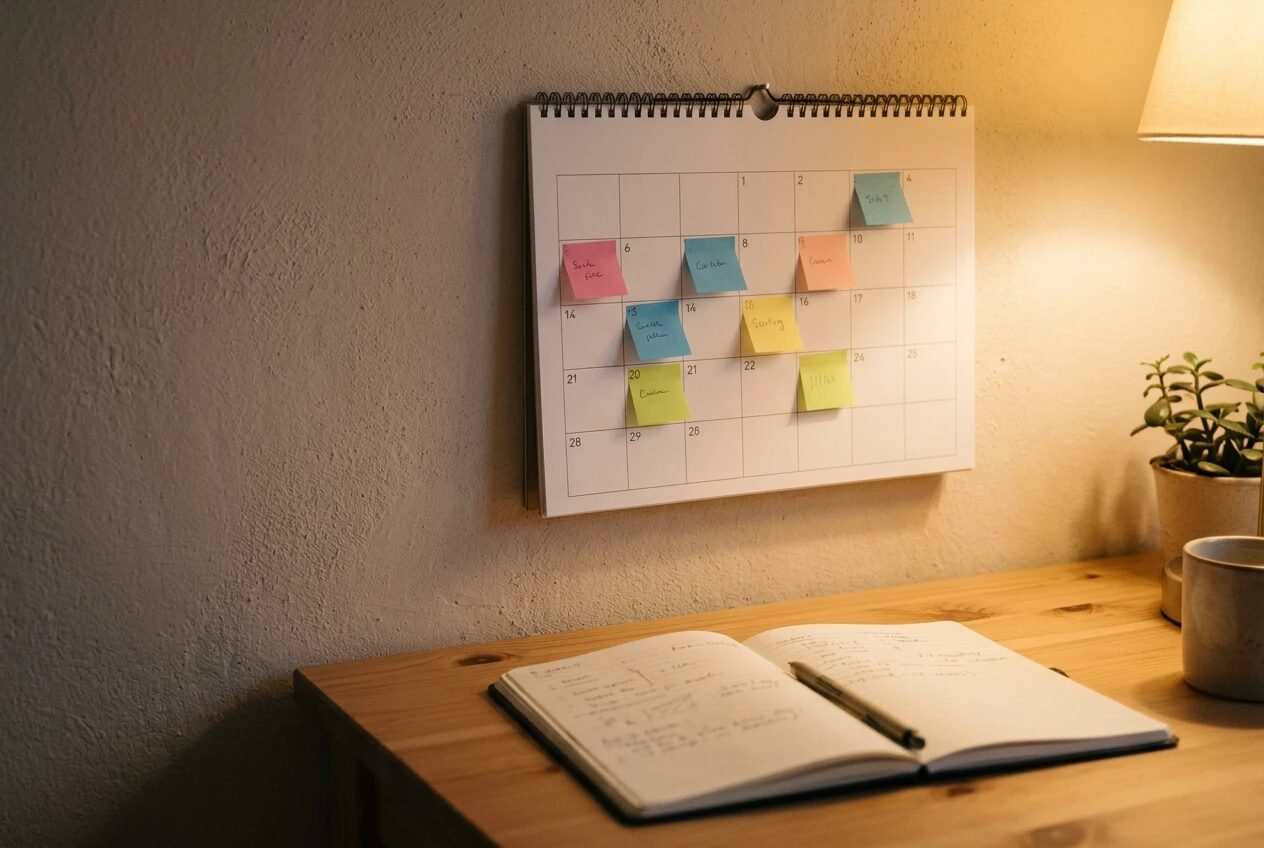
- Day 1: Finish your Hub profile. Reread your answers and fix anything that does not match your idea.
- Day 2: Open the gameplan and read every task title. Then do only the first task.
- Day 3: Work through any Focus training the first task points you to. Use Ask when something confuses you.
- Day 4: Use the Writer to draft your first piece. Note your Credits before and after.
- Day 5: Edit the draft line by line. Remove anything you cannot stand behind and add your own view.
- Day 6: Use the Artist for an image, then check that the finished piece reads smoothly from top to bottom.
- Day 7: Review the week. Write down what the work cost in Credits, which task was hardest, and what you will do next. Then begin the next task.
Keep your expectations realistic. A week of this gives you a working Hub, a finished first piece and a clear sense of the process. It does not give you traffic or commissions, and those take months of steady work.
Try it yourself
I earn a commission if you join Wealthy Affiliate through the link below, at no extra cost to you. If you want to follow along, create a free Wealthy Affiliate Starter account through my referral link and build your own Hub next to this walkthrough. Check the current Starter features on the sign-up page first, and only upgrade if the training is genuinely useful to you.