Most beginners add their first affiliate link the same way: they finish the article, look at it, and wonder where a link could go. The link then lands wherever there is space, and the reader can tell. A link in the wrong spot reads as a sales pitch, even when the product is good and the advice around it is honest.
This guide covers where to place affiliate links inside a single article, which positions feel natural, which feel pushy, and where the disclosure goes. You will also see a worked example using a Wealthy Affiliate review, and some simple checks to run on your own pages.
The link placement mistakes beginners make most often
Most placement problems come from writing for the commission instead of the reader. These are the ones that show up again and again on new affiliate sites:
- A link in the first sentence. The reader came with a question and met a sales pitch before getting any help.
- The same link in every paragraph. Repetition tells the reader you want the click more than you want them informed.
- Links on vague anchor text. “Click here” and “check this out” tell the reader nothing about where the link goes.
- A link before the product has been explained. Readers will not click through to something they do not yet understand.
- A disclosure hidden in the footer. The reader finds out about the money after they have already clicked.
- Links for products the writer would never mention without a commission. Readers sense this, and it costs more trust than any single placement.
Each of these puts the link ahead of the reader’s need. The fixes below are mostly about changing the order: help first, link second.
Answer the reader’s question before you mention a link
Every article exists because someone typed a question into a search box. Before you place a single link, write down that question in one sentence, for example: “Is this training suitable for someone with no website experience?” The first third of your article should answer it as directly as you can.
Once the reader has their answer, a link becomes an offer to go further rather than a demand for attention. A reader who has just learned that a platform suits beginners will welcome a link to look at it. The same link placed before that answer interrupts them.
A practical check: read your first two paragraphs and ask whether a reader who stopped there would have learned something. If the answer is no, the page is not ready for links yet.
This also helps your search visibility. Google’s guidance for people-first content favours pages that satisfy the reader, and a page that opens with a pitch rarely does.
Five spots where an affiliate link feels natural

These five positions work because the reader has a reason to click at exactly that point.
1. Beside the first real mention of the product, after you have explained it
Say what the product is and what it does in a sentence or two, then link its name. The reader now knows what they would be clicking on. The link goes on the product name or on a short description such as “the free Starter account”, not on a whole sentence.
2. Inside a how-to step that needs the product
If a tutorial step says “set up your site on a platform that includes hosting”, linking the platform at that step is a convenience. The reader needs it to continue, and you are saving them a search.
3. In a comparison table
Tables are scanned, not read, so a row with a product name, a “best for” line and a link fits how readers use them. Keep the table honest: include the real downsides in the same row, not only the strengths.
4. In a “who this is for” section
After you describe who benefits from a product, a link gives interested readers a next move. This section also lets you say who should skip it, which makes the recommendation more believable.
5. In the closing next step
Once the article has done its job, one clear link at the end tells the reader what to do next. Readers who reach the bottom are the most engaged you will have, so this position often earns clicks without pressure.
For most beginner articles of around 1,500 words, one to three links to the same product is a reasonable starting point. You can adjust once your own data tells you more.
Four spots where an affiliate link feels pushy
1. The opening paragraph
A link before the answer reads as the real purpose of the page. Move it below the first useful section.
2. Every mention of the product
Linking the product name each time it appears turns a paragraph into a field of blue text. Link the first mention in a section and leave the rest as plain words.
3. Anchor text that promises results or says nothing
Anchors like “start earning today” make a claim you cannot guarantee, and “click here” says nothing about the destination. Use a plain description of what the reader will find: “see what the free Starter account includes”.
4. Buttons stacked in the middle of an explanation
A large button between two paragraphs of a how-to breaks the reader’s focus. Buttons belong at natural stopping points, usually the end of a section or the end of the article, and one at a time.
A good rule for all four: if you would feel awkward saying the sentence out loud to someone sitting across the table from you, the placement is probably pushy.
Where your affiliate disclosure goes, and why it comes first
The disclosure goes before the first affiliate link, in plain words, near the top of the article. The reader should know about your financial interest before they decide whether to click, not after.
There are two reasons to do this. The first is trust: a reader who finds a hidden disclosure later feels tricked, and a reader who sees it up front sees honesty. The second is legal. Regulators such as the US Federal Trade Commission expect disclosures to be clear and placed close to the links they relate to. Other countries have their own rules, so check the ones that apply where you and your readers live.
Good disclosure wording is short and specific:
This article contains affiliate links. If you sign up through them, I may earn a commission at no extra cost to you.
A few placement habits make disclosure work better:
- Put the sentence above the first link, not in the footer or a sidebar.
- Repeat a short version beside any button or link in the closing section.
- Keep a separate disclosure page and link to it from your footer, as a backup. It does not replace the notice on the page itself.
- Use the same plain wording in emails, videos and social posts that carry your links.
Avoid softened wording such as “this post may contain goodies”. Readers should not have to decode your disclosure.
Text links, buttons and images: which to use when
Each format suits a different job.
Text links are the default. They sit inside a sentence, tell the reader what they will find, and rarely feel like advertising. Use them for first mentions, how-to steps and comparison rows.
Buttons work for one clear action at the end of a section or article, such as “Create a free Starter account”. Use one per section at most. Put a short disclosure line beside the button, because a button gives the reader less context than a sentence does.
Images can carry links, such as a screenshot of a dashboard that links to the product. They help when the screenshot shows something the reader wants to see. A decorative banner with a link rarely earns clicks and often reads as an advertisement. Readers on screen readers and slow connections also miss image links, so add descriptive alt text and repeat the link as a text link nearby.
When you are unsure, choose the text link. It is the least intrusive format and gives the clearest signal about where the click leads.
A worked example: placing a Wealthy Affiliate link in an honest review
Here is how the principles above apply to a review titled “Wealthy Affiliate Review: Is It Worth It for Beginners?” The structure is a template. Replace the content with what you have actually seen and verified.
Top of the article: the disclosure. One sentence before anything else: “This review contains affiliate links, and I may earn a commission if you sign up through them.” No link yet.
Opening section: the answer, with no link. Say who the platform suits and who it does not, in two or three short paragraphs. A reader who leaves here already has a useful answer.
Section on the free Starter account: the first link. This is where you explain what a new member gets, then link it once as text: “You can create a free Starter account through this link and look around before deciding anything.” Wealthy Affiliate currently describes its free Starter membership as including an initial Hub, AI credits and a practice website. Check the platform’s own pages before you publish, because features and limits change, and say clearly which parts are free and which need a paid membership.
Section on limits and costs: no link. Describe what the free account does not cover, what a paid membership adds, and what a beginner should expect to put in themselves, such as time and consistent writing. An honest limitations section is the main reason readers will trust the links on either side of it. Do not suggest income is guaranteed.
Section on who should skip it: no link. If someone wants fast results with no effort, or already has a platform they like, tell them. This section costs you a few clicks and earns you credibility.
Closing section: one button and one line. After the reader has all the information, add a single button such as “Create a free Starter account”, with a line beside it: “Affiliate link: I may earn a commission if you later upgrade to a paid membership.”
That gives you two links in the whole article, one text link where the product is explained and one button at the end, with a disclosure before the first and a short one beside the second. The middle of the review, where the reader is weighing pros and cons, has no links in it at all. That gap is deliberate: it shows the reader the review is not a sales page.
How to check your placement with simple tests and your own click data
You can test a page before it goes live, and then measure it after.

Four quick tests before publishing
- The read-aloud test. Read the article out loud. Any sentence you stumble over or feel embarrassed to say probably has a pushy link in it.
- The remove-the-link test. Delete each link mentally. If the paragraph still helps the reader, the placement is sound. If the paragraph only exists to hold the link, cut it.
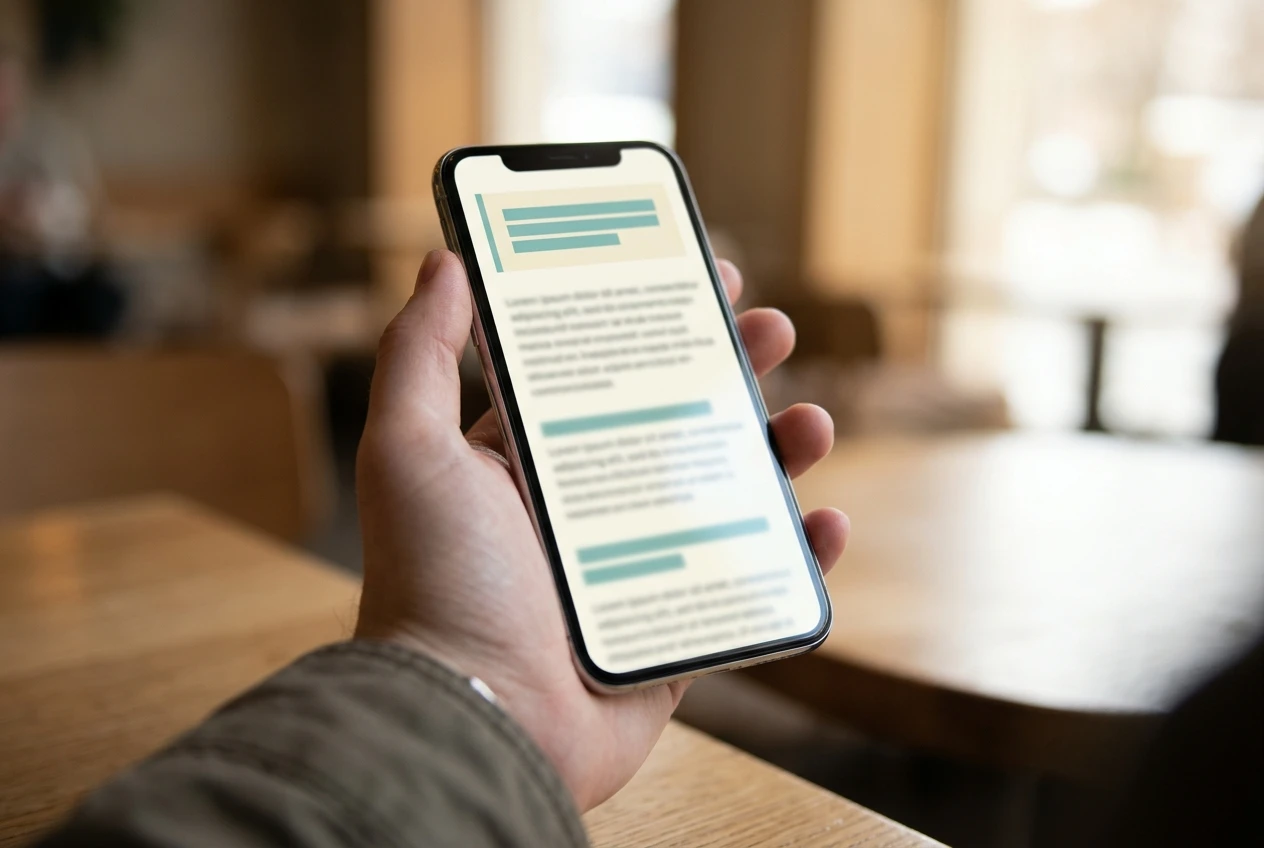
- The first-screen test. Open the page on your phone and look at the first screen without scrolling. You should see a heading, a useful opening and your disclosure, not a button.
- The skeptical-friend test. Imagine a friend who distrusts online marketing reading the page. Would they find the disclosure? Would they feel pressured? Adjust until the answer is no.
Reading your click data
Once the page has visitors, check two sources: your affiliate dashboard, which shows clicks and sign-ups for your link, and your website analytics, which show how many people viewed the page. Compare the two. Clicks divided by page views gives you a rough sense of how often readers act on a link. If you want a quick refresher on terms such as click-through rate, the affiliate marketing terms explained page covers them in plain language.
A few cautions keep the data honest:
- Wait for enough traffic. A page with a handful of visitors tells you very little. Do not rewrite a page after ten views.
- Change one thing at a time. If you move a link and rewrite the intro in the same week, you will not know which change mattered.
- Clicks are not the goal by themselves. A link that gets many clicks from readers who are not a good fit is worse than one that gets fewer clicks from the right readers.
- Low clicks may mean low trust, or just low traffic. Look at the page itself before blaming placement.
If a page earns views but few clicks, move the first link closer to the section that explains the product, or add a clearer next step at the end. If it earns clicks but no sign-ups, check whether your description matches what the reader finds on the other side.
Try these placements on a real site
If you want to practise these placements on a live website instead of only reading about them, you can create a free Wealthy Affiliate Starter account through my referral link and explore the platform’s training and tools at your own pace.
Affiliate disclosure: that link is my affiliate link, and I may earn a commission if you later upgrade to a paid membership. Creating the free Starter account costs you nothing.
If you are not ready for that yet, your next read is How to Build an Affiliate Content Plan That Leads Readers to a Decision. It covers how your articles fit together, so the link decisions you make on each page work as part of one reader journey.